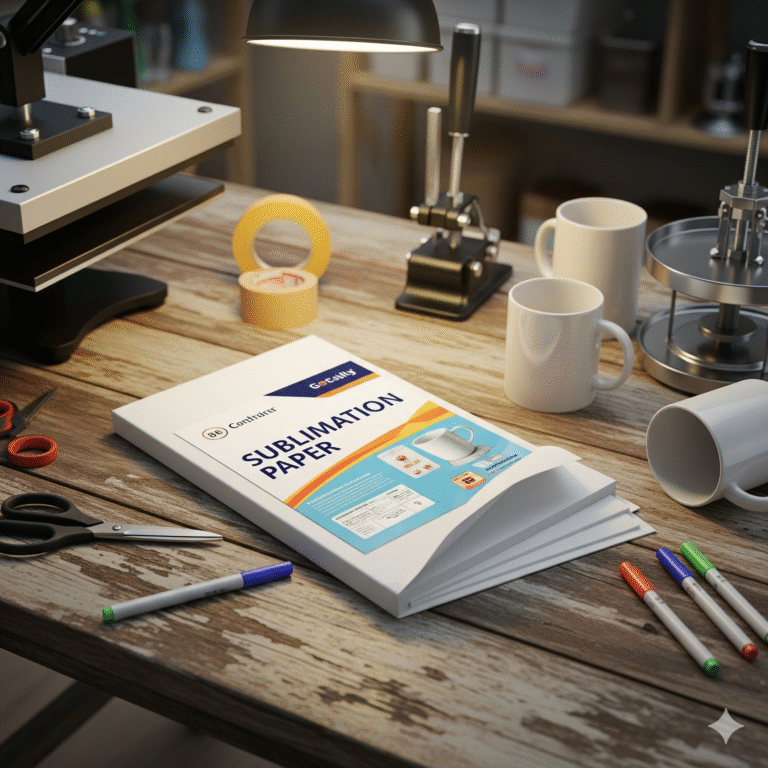
Mastering Sublimtion: Recommended Times and Temperatures For Blanks
Mastering Sublimation: Recommended Times and Temperatures for Various Blanks
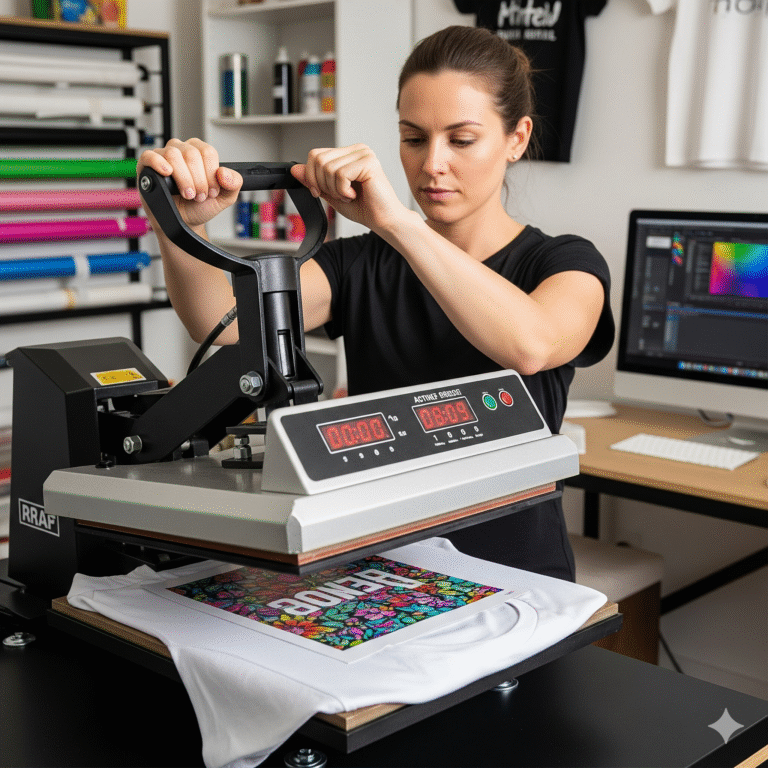
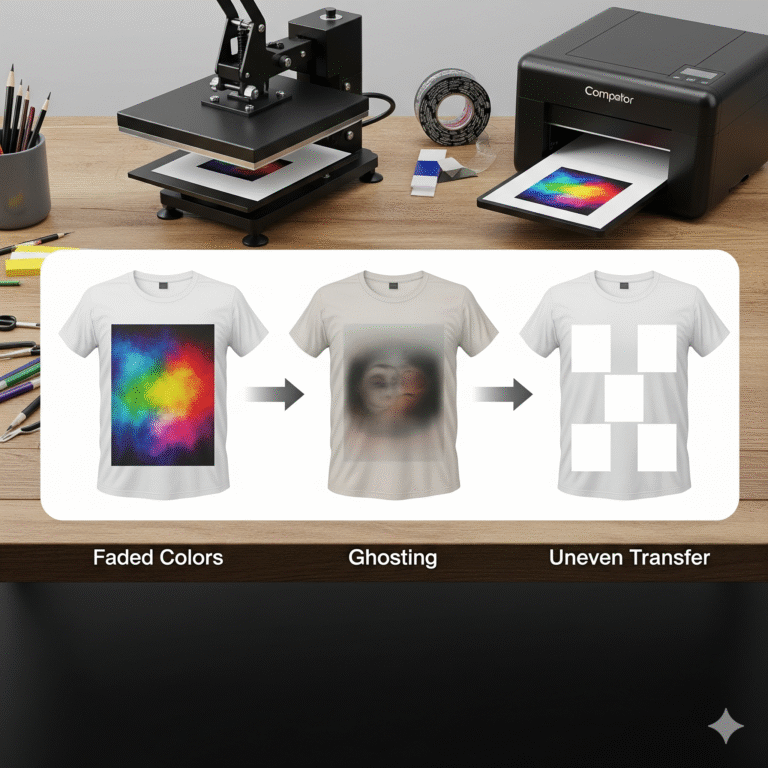
Achieving perfect sublimation transfers relies heavily on a precise combination of heat, time, and pressure. While your sublimation printer and paper are crucial, it’s the heat press settings that truly bond your design to the blank. Using the wrong temperature or pressing for too long or too short can lead to faded colors, yellowing, ghosting, or an incomplete transfer.
It’s important to remember that these are general guidelines. Slight variations can occur due to your specific heat press model, the brand of sublimation ink and paper, the exact blank manufacturer, and even ambient room temperature. Always do a test press with a small design on scrap material if possible, and refer to the blank manufacturer’s recommended settings when available.
Key Factors to Consider:
- Temperature: Measured in Fahrenheit (°F) or Celsius (°C). This is the heat needed to turn the solid ink into a gas.
- Time: Measured in seconds. This is how long the heat and pressure are applied, allowing the ink to fully penetrate the blank.
- Pressure: Refers to the force applied by the heat press.
- Light Pressure: Often used for delicate items or thinner materials.
- Medium Pressure: A good all-around setting for most blanks.
- Heavy Pressure: Used for rigid items that require maximum contact.
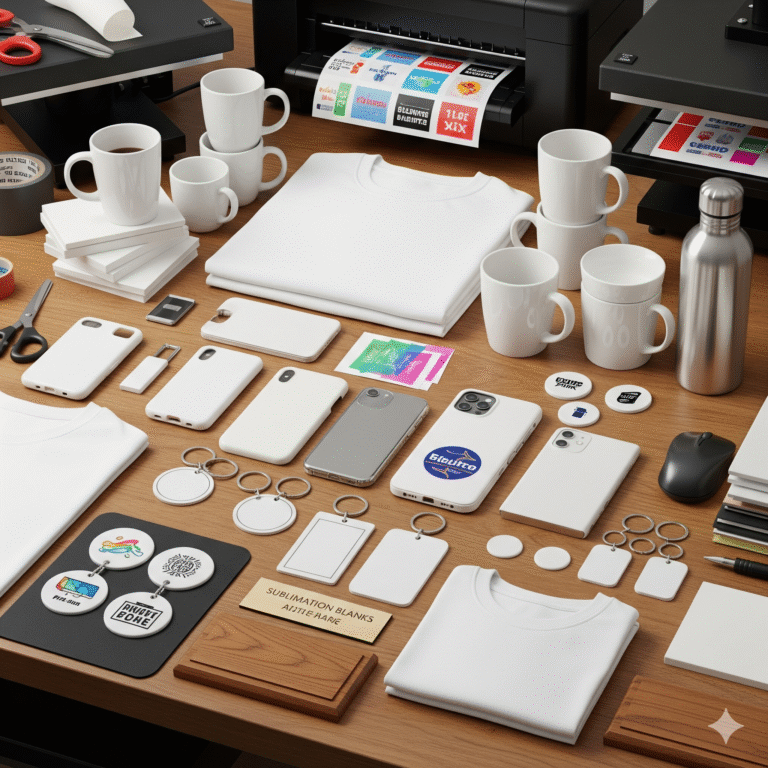
Recommended Settings for Common Sublimation Blanks:
Here’s a breakdown of typical settings for popular sublimation blanks. Always pre-press your blank for 5-10 seconds (unless otherwise noted) to remove moisture and wrinkles before applying your design.
1. Apparel & Fabric Blanks (Polyester)
- Blanks: T-shirts, Hoodies, Tote Bags, Pillowcases, Athletic Wear (100% Polyester)
- Temperature: 385-400°F (195-205°C)
- Time: 40-60 seconds
- Pressure: Medium
- Notes: For polyester blends (e.g., 65% poly/35% cotton), you might lower the temperature slightly to 370-380°F (188-193°C) and reduce the time to 30-45 seconds to avoid scorching the cotton, understanding that the colors will be more muted. Always place butcher paper inside the garment to prevent ink bleed-through and on top to protect your heat press.
2. Ceramic Blanks
- Blanks: Coffee Mugs, Ceramic Coasters, Tiles
- Temperature: 385-400°F (195-205°C)
- Time: 180-240 seconds (3-4 minutes)
- Pressure: Medium to Heavy (depending on mug press/wrap)
- Notes: Use a mug press or a sublimation oven with wraps for even heat. For ceramic tiles and coasters pressed with a flat press, usually around 60-90 seconds is sufficient. Always allow ceramics to cool slowly to prevent cracking or “thermal shock.”
3. Metal Blanks
- Blanks: Aluminum Panels, Photo Panels, Keychains, License Plates, Water Bottles, Tumblers
- Temperature: 380-400°F (193-205°C)
- Time: 45-75 seconds
- Pressure: Medium to Heavy (especially for flat items)
- Notes: For curved items like water bottles or tumblers, use a mug/tumbler press or a convection oven. Metal cools quickly, but be cautious when handling immediately after pressing.
4. Hardboard & MDF Blanks
- Blanks: Hardboard Coasters, Plaques, Puzzles, Magnets
- Temperature: 385-400°F (195-205°C)
- Time: 60-90 seconds
- Pressure: Medium
- Notes: Ensure even pressure across the entire surface. You might flip the item halfway through the press time for very thick items.
5. Other Common Blanks
- Mouse Pads:
- Temperature: 385-400°F (195-205°C)
- Time: 45-60 seconds
- Pressure: Medium
- Phone Cases (Metal Insert):
- Temperature: 380-390°F (193-199°C)
- Time: 60-75 seconds
- Pressure: Medium
- Glass Blanks (Coated):
- Temperature: 380-390°F (193-199°C)
- Time: 180-240 seconds (3-4 minutes)
- Pressure: Light to Medium
- Notes: Handle with extreme care as glass can crack if cooled too rapidly.
Troubleshooting Common Issues:
- Faded/Dull Colors:
- Not enough heat or time.
- Too little pressure.
- Low-quality sublimation paper or ink.
- Not enough polyester in the blank (for fabric).
- Yellowing/Scorching:
- Too much heat or time.
- No butcher paper to protect the blank or heat press.
- Ghosting/Blurry Image:
- Paper shifted during pressing (use heat-resistant tape).
- Design printed without mirroring.
- Not enough pressure.
- Incomplete Transfer/White Spots:
- Uneven pressure from the heat press.
- Dust or debris on the blank before pressing.
Experimentation and meticulous note-taking are your best friends in sublimation. Once you find the ideal settings for your specific blanks and equipment, you’ll be consistently creating stunning, professional-quality custom products.