Art File Guide
File Prep 101: Getting Your Artwork Snazzy for Laser Engraving
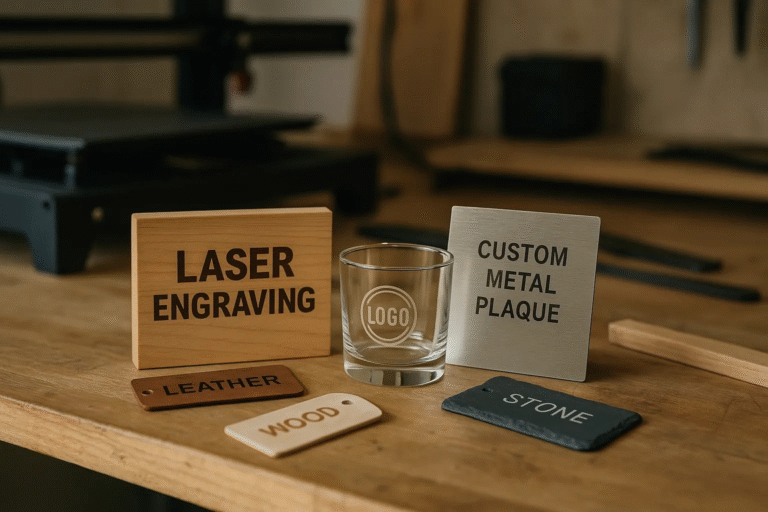
If you’ve ever submitted a design for sublimation, you know file quality matters! Our new laser engraving service uses the same principle: great art in equals great etching out. Since a laser is essentially reading a black-and-white map of where to burn, getting your file just right is the key to achieving those crisp, perfect lines on wood or metal. If you want the sharpest possible results, this quick guide to preparing your artwork is for you!
The absolute best files for deep, precise engraving are vector files (like .SVG, .AI, or .EPS). Why? They use mathematical paths instead of pixels, meaning the design can be resized infinitely without losing quality or getting fuzzy edges. If you don’t have a vector file, a high-resolution black-and-white image (at least 300 DPI) can work, too. Remember: black tells the laser to engrave, and white tells it to ignore that area! Avoid grayscale images, as they can lead to unpredictable results.
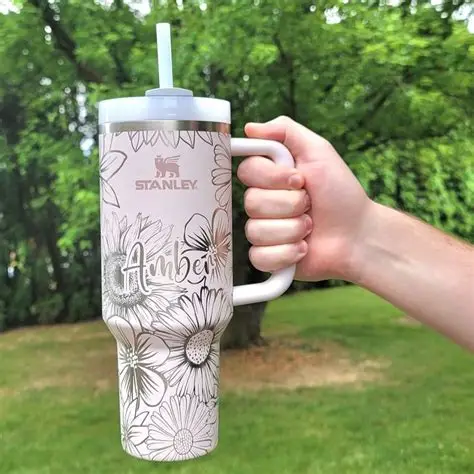
Ready to turn your design into a permanent keepsake? By spending a few extra minutes checking your file format, you ensure your personalized laser-engraved gift—whether it’s a custom tumbler or a sleek leather patch—comes out looking absolutely brilliant!