From Fuzzy to Flawless: How Snazzy Moon Solves 3 Common Laser Engraving Headaches
When you receive one of our beautifully etched wooden signs or crisp stainless steel tumblers, it looks easy—just point, shoot, and engrave, right? Not exactly! Laser engraving, like any precision craft, has its share of common technical headaches.
Since we promise flawless results on every custom order, we spend a lot of time troubleshooting. We wanted to share three of the most frequent problems we solve behind the scenes to ensure your final product is always sharp, permanent, and perfectly “Snazzy.”
Headache #1: The Fuzzy or Double-Line Engraving (The “Ghosting” of Lasers)
This is the ultimate quality killer: instead of a single, sharp line, your design looks slightly blurry, doubled, or fuzzy, almost like a shadow is following the main line. It’s the laser equivalent of “ghosting” in sublimation!
The Root Cause: Focusing and Alignment
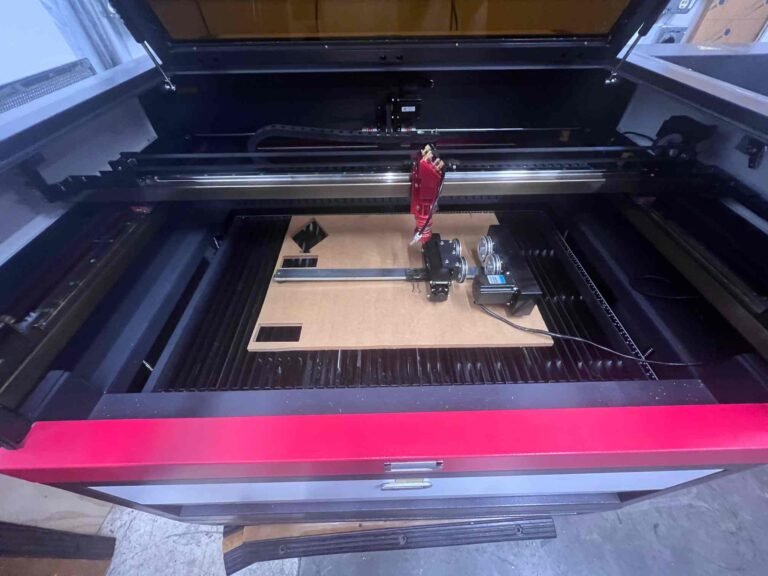
The laser beam itself is tiny, but if the machine isn’t perfectly set up, that tiny beam can hit the material slightly out of focus or slightly misaligned on the X and Y axes.
- Bad Focus: If the beam is not focused to its absolute smallest point, the energy spreads out, resulting in a fuzzy, less intense mark.
- Loose Mechanics: On older or poorly maintained machines, the gantry (the moving parts that hold the laser head) can vibrate or shake slightly, especially during high-speed movement, causing the laser to etch a slightly offset line.
Snazzy Moon’s Solution: The Focus Test and Belt Tension
We combat this through rigorous machine maintenance:
- Daily Focus Check: Before any precision job (like detailed text or logos), we use a calibration tool to ensure the laser lens is the exact, perfect distance from the material’s surface. Even a millimeter off can cause blurriness!
- Tightening Belts: We regularly check and adjust the tension of the belts and motors on our gantry to eliminate any mechanical slop or wobble, guaranteeing that when the machine says it’s moving five inches, it moves exactly five inches.
Headache #2: Uneven Depth or Missing Marks (The Unruly Surface)
Have you ever tried to engrave a large logo onto a piece of wood, only to find the center is deep and dark, but the edges are faint and shallow? This usually points to a surface that isn’t perfectly flat.
The Root Cause: Material Irregularity or Warping
For the laser to work effectively, the material must be level and flat.
- Warped Wood: Wood and leather, being natural materials, can easily warp or cup due to humidity and temperature changes, meaning the center is higher than the edges.
- Irregular Objects: Engraving a cylindrical item, like the curved edge of a wine glass or a strangely shaped metal part, means the laser distance is constantly changing.
Snazzy Moon’s Solution: The Leveling Bed and Rotary Attachment
Our solution involves making the environment adjust to the material, not the other way around:
- Precise Leveling: For flat items, we use a perfectly level honeycomb bed. If the material (especially wood) has a slight warp, we use pins or clamps to gently flatten it, ensuring the distance between the lens and the material is consistent across the entire design area.
- Rotary Tools: For all tumblers, glassware, and cylindrical items, we use a specialized rotary attachment. This attachment rotates the object under the stationary laser beam, keeping the focal distance constant and ensuring a seamless, consistent engraving all the way around the curve.
Headache #3: The Smudged, Sticky Residue (The Post-Burn Mess)
As we mentioned in our “Oops” post, etching certain organic materials creates smoke, soot, and sticky vaporized residue. If this residue settles back onto the material around the engraving, it ruins the contrast and makes the product look dirty.
The Root Cause: Insufficient Airflow
The primary cause is a failure in the machine’s ability to rapidly remove debris from the engraving site.
- Weak Exhaust: If the external ventilation fan is weak, the smoke lingers inside the machine.
- No Air Assist: Without a focused jet of compressed air blowing the debris out of the cavity and into the exhaust, the soot settles and bakes itself onto the material, resulting in a hazy, smudged border.
Snazzy Moon’s Solution: Constant Maintenance and Extraction
We take air management seriously:
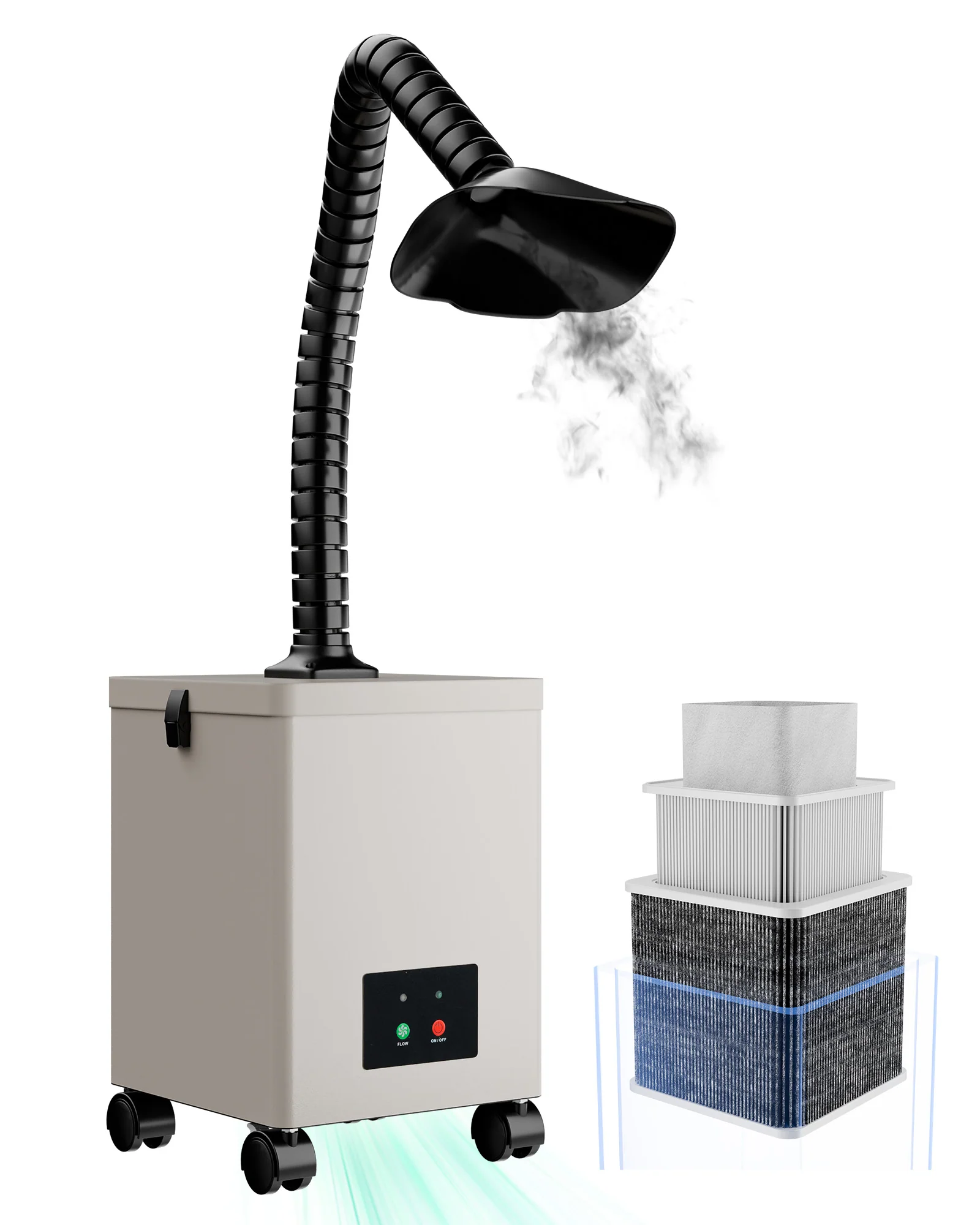
- Powerful Exhaust: We run a powerful, dedicated exhaust system designed to handle the smoke from wood, leather, and acrylic.
- Air Assist at Max: For materials that produce heavy smoke (like wood), we run the Air Assist feature at maximum pressure to ensure the engraving cavity is instantly purged of debris, leaving the final mark crisp, clean, and free of discoloration.
By obsessively focusing on these three areas—Focus, Leveling, and Airflow—we eliminate the common headaches of laser engraving. This allows us to focus on the fun part: turning your unique design into a flawless, permanent, custom creation!
Recommended Products for you!
OMTech Maker 90W
- OMTech Maker MF2028-80 90W CO2 Laser Cutter and Engraver with 20″ x 28″ Working Area
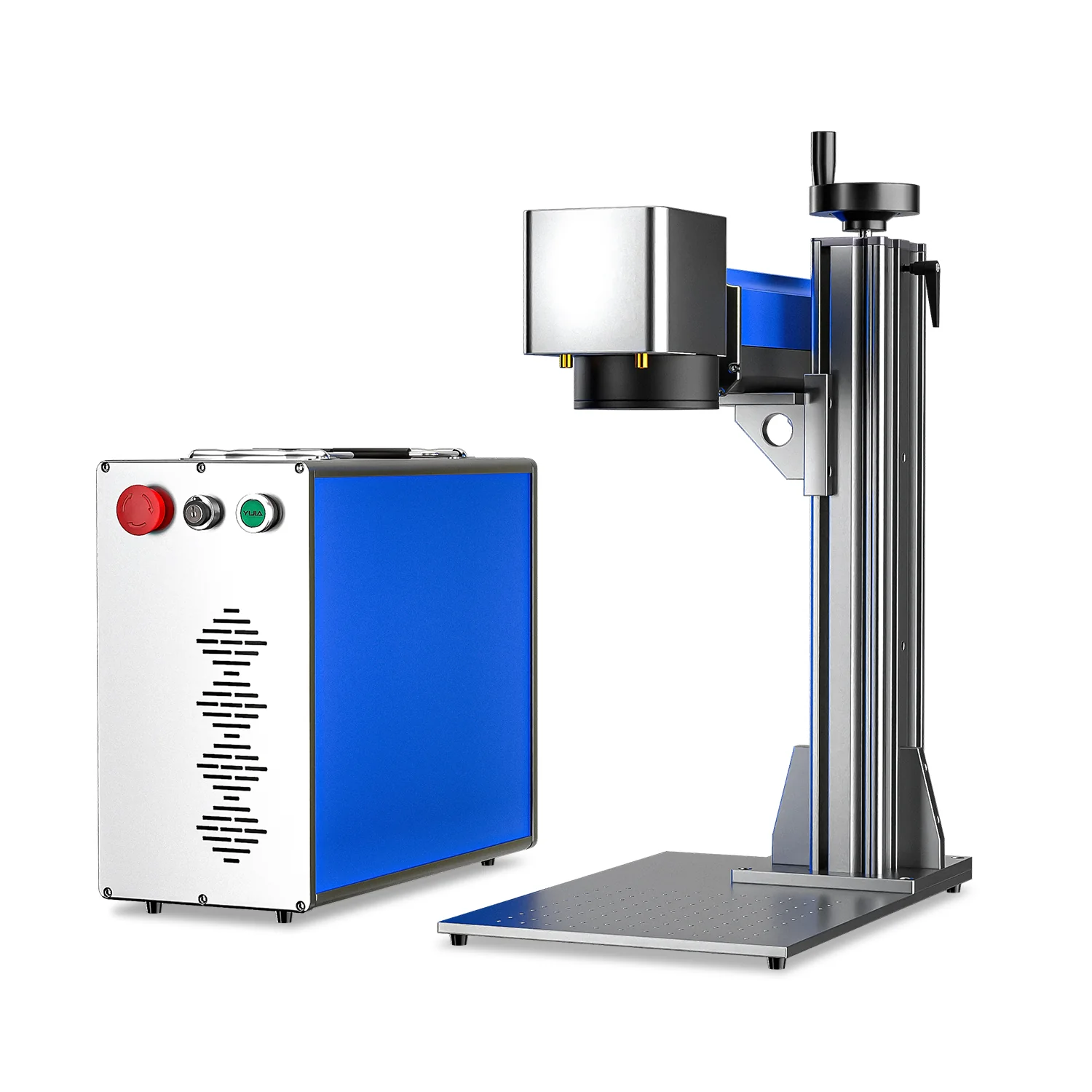
OMTech Fiber Laser
- OMTech Galvo 50W Split Fiber Laser Engraver for Metal with 7.9″ x 7.9″ Working Area
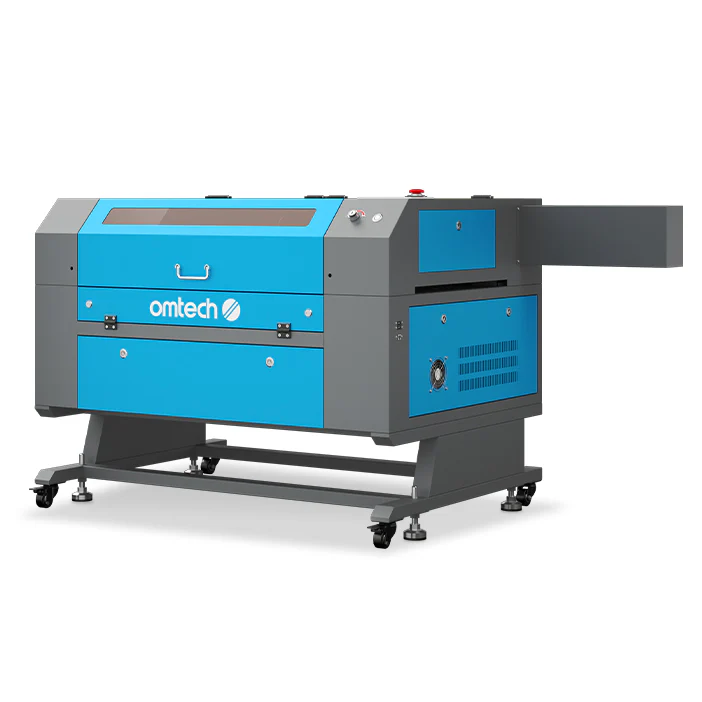
OMTech Maker 100W
- OMTech Maker MF2028-100 100W CO2 Laser Cutter and Engraver with 20″ x 28″ Working Area
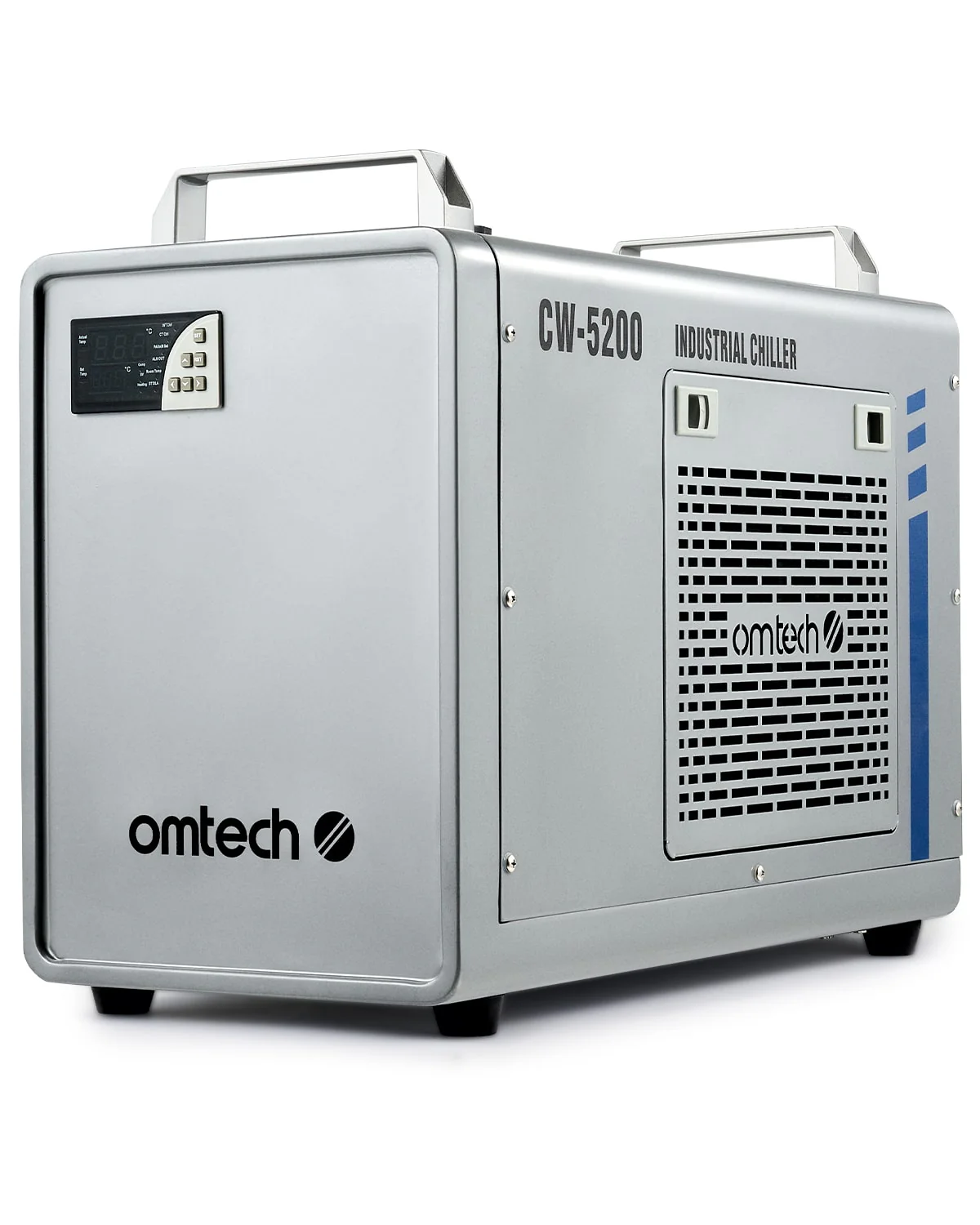
Water Chiller
- 6L Industrial Single Water Chiller for 60W-150W CO2 Laser Engraver Machines